 Adria Studio
Adria Studio · Text post & carousel maker Turn your text and Markdown into a set of beautiful images
Paste some text or a long article, or drop in a Markdown file along with its images, and pick a painted theme. Studio lays out the pages for you and exports images that are ready to post.
Free to use · No sign-up
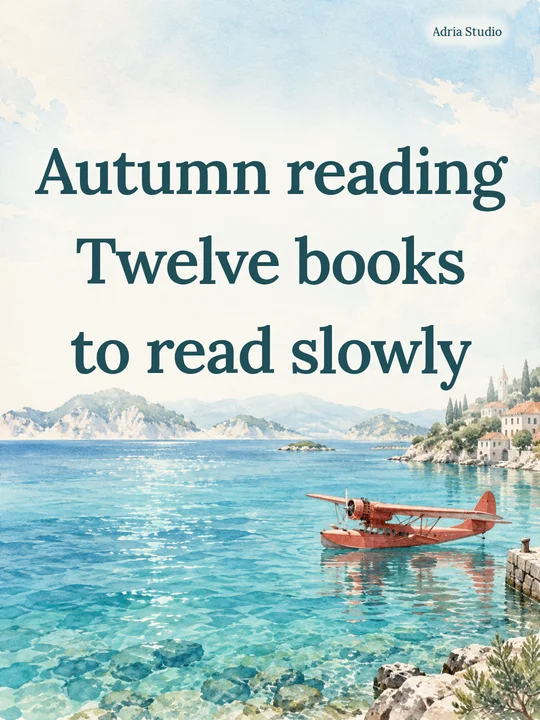
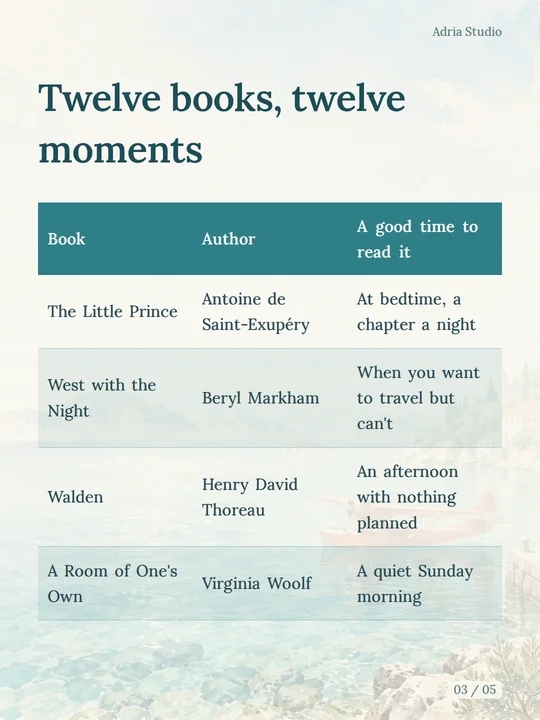
12 themes, most of them paintings
The cover shows the whole painting, body pages sit on a faded copy of it, and the text colors are chosen to match. If you prefer something plain, there is a pure white theme too.
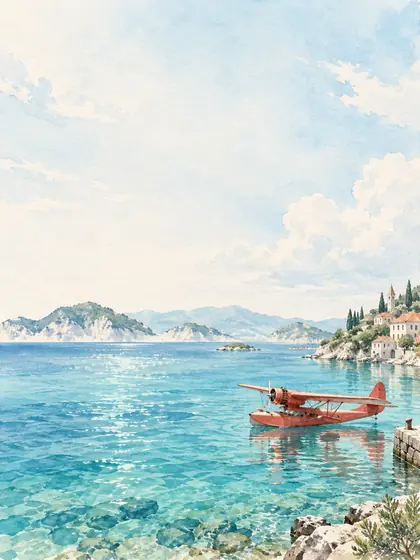 Island Letters
 Red Seaplane Diary
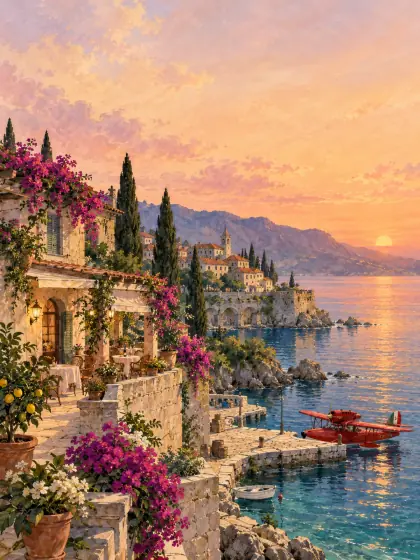 Adriatic Dusk
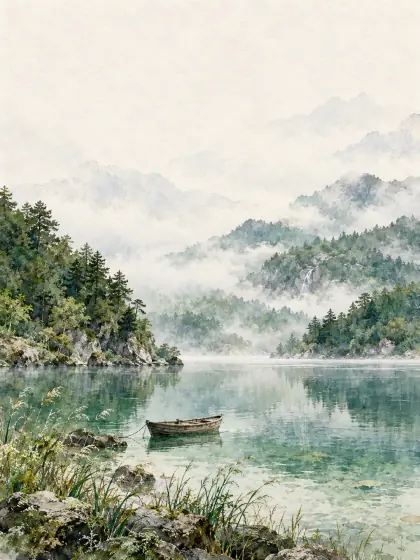 Misty Lake Dream
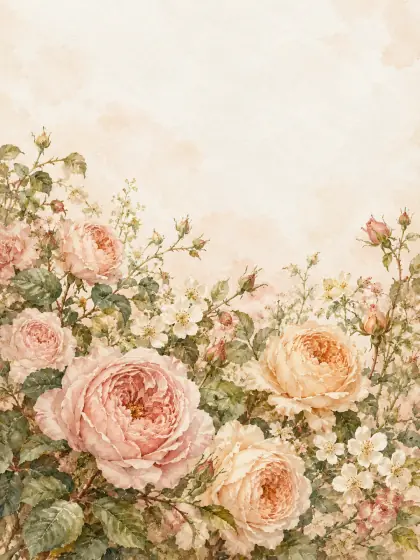 Rose Letter
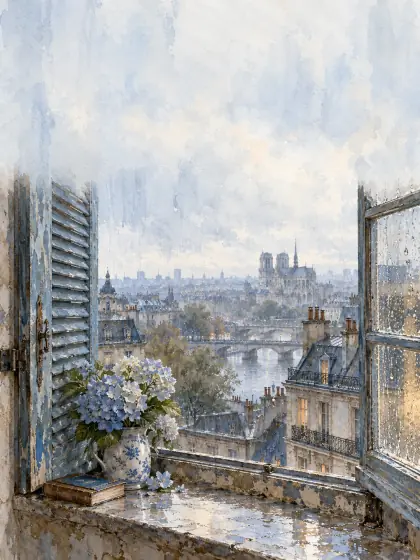 Rain on the Window
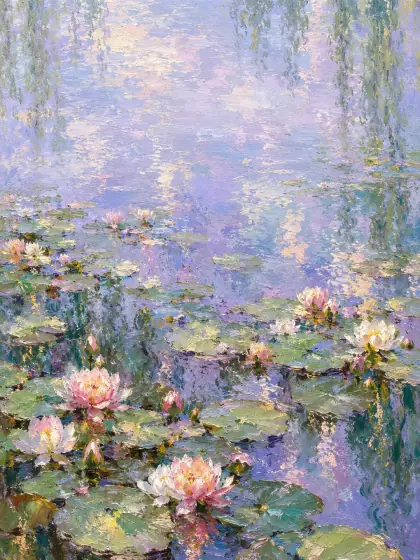 Water Lily Hours
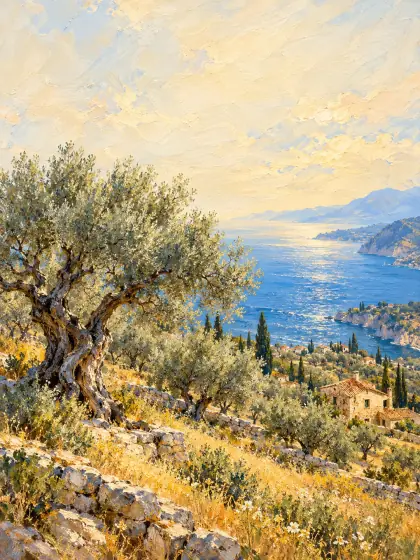 Under the Olive Trees
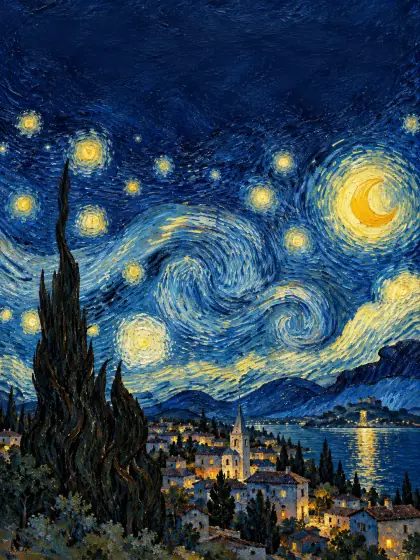 Van Gogh’s Starry Sky
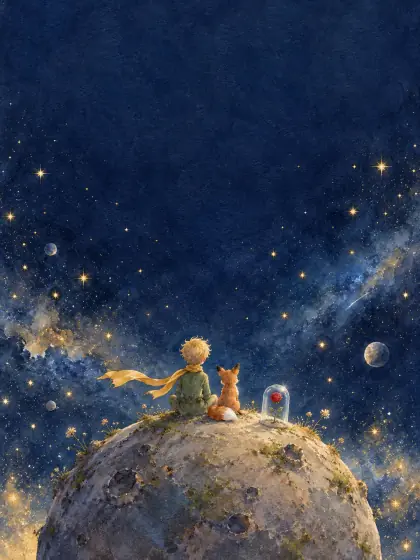 The Little Prince’s Planet
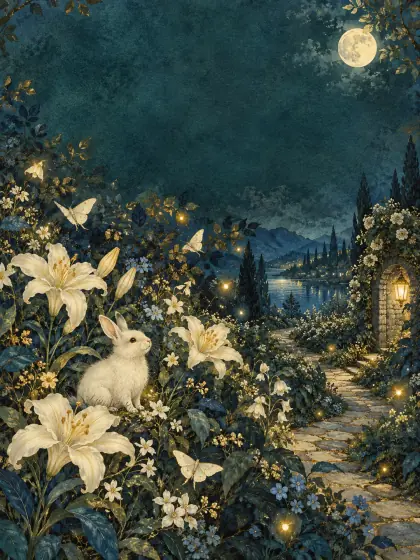 Moonlit Garden
- Pure White
From a note to a set of images
Images come along with your text
Import a .md file, a folder or a ZIP, and the images your Markdown refers to come with it, so you never upload them one by one.
Long content finds its own pages
Text and tables are laid out page by page, so a long article turns into a set of pages by itself. When a long table moves on to the next page, its header comes too. You can also decide where a page ends.
See changes as you make them
Change the font size, line spacing, signature or colors and the preview updates right away, page by page.
Save one image or the whole set
Save PNGs one at a time or download the set as a ZIP. On a phone, use the share sheet to save images to your photos.
How do I turn text into images?
Bring your content in
Open Studio, create a post, then paste your text or Markdown, or drag in a .md file, a folder or a ZIP.
Pick a theme and look through the pages
Choose a theme, adjust the font size and line spacing if you like, and check every page.
Export
Choose Export images to save single PNGs or download the whole set as a ZIP. Where you post them is up to you.
A few things you might want to know
Is it free? Do I need an account?
It is free right now, and there is nothing to sign up for. Just open it and start.
Can I turn a long article into images?
Yes. Paste it in and the text flows from page to page; whatever does not fit carries over to the next one. Add a page break wherever you want a new page to start. For a cover, begin the first line with # and it becomes the cover title.
What size are the images? Do they work for Instagram or Xiaohongshu?
Text pages are 1080 × 1440, a 3:4 portrait size. Instagram has accepted 3:4 photos in posts and carousels since 2025, and 3:4 is the most common shape for Xiaohongshu (RedNote) posts. If you post through a scheduling tool, check that it keeps the 3:4 shape. The files are yours to post wherever you like.
Is this an AI text-to-image generator?
No. Studio only does the layout. The words are yours, the photos are the ones you add, and the theme paintings come ready-made. It never rewrites your text or draws pictures for you.
Can other people see my posts?
No. Your posts and images are kept only in your own browser; our server does not store them. When you import an image or export, the content is sent to our server to be processed and is discarded right after. The examples on this page were written just for this introduction.
Can I open my posts on another device?
Not directly. Posts stay in the browser you made them in and do not sync to other devices or browsers. To carry on somewhere else, download the Markdown or the ZIP and import it there.
How do I delete things?
Delete a post from the library or the post menu; images that only that post uses go with it. Clearing your browser’s site data also deletes every post in Studio.